Location-based check-in
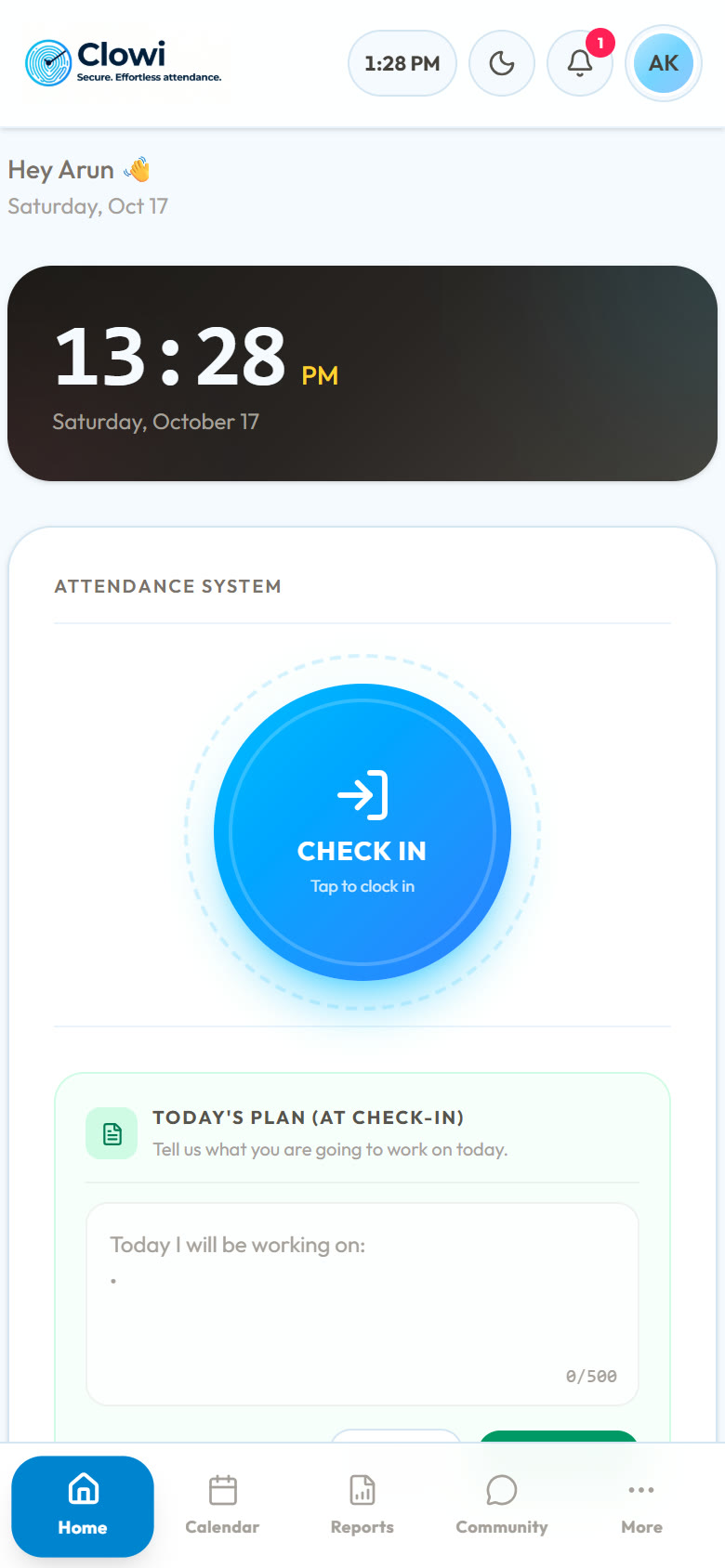
Staff check in and out from their phone, and only within range of an office you set. Approved work-from-home days skip the location check.
Clowi covers the daily work of attendance and HR, so you can stop juggling registers, spreadsheets and chat messages.
Staff check in and out from their phone, and only within range of an office you set. Approved work-from-home days skip the location check.
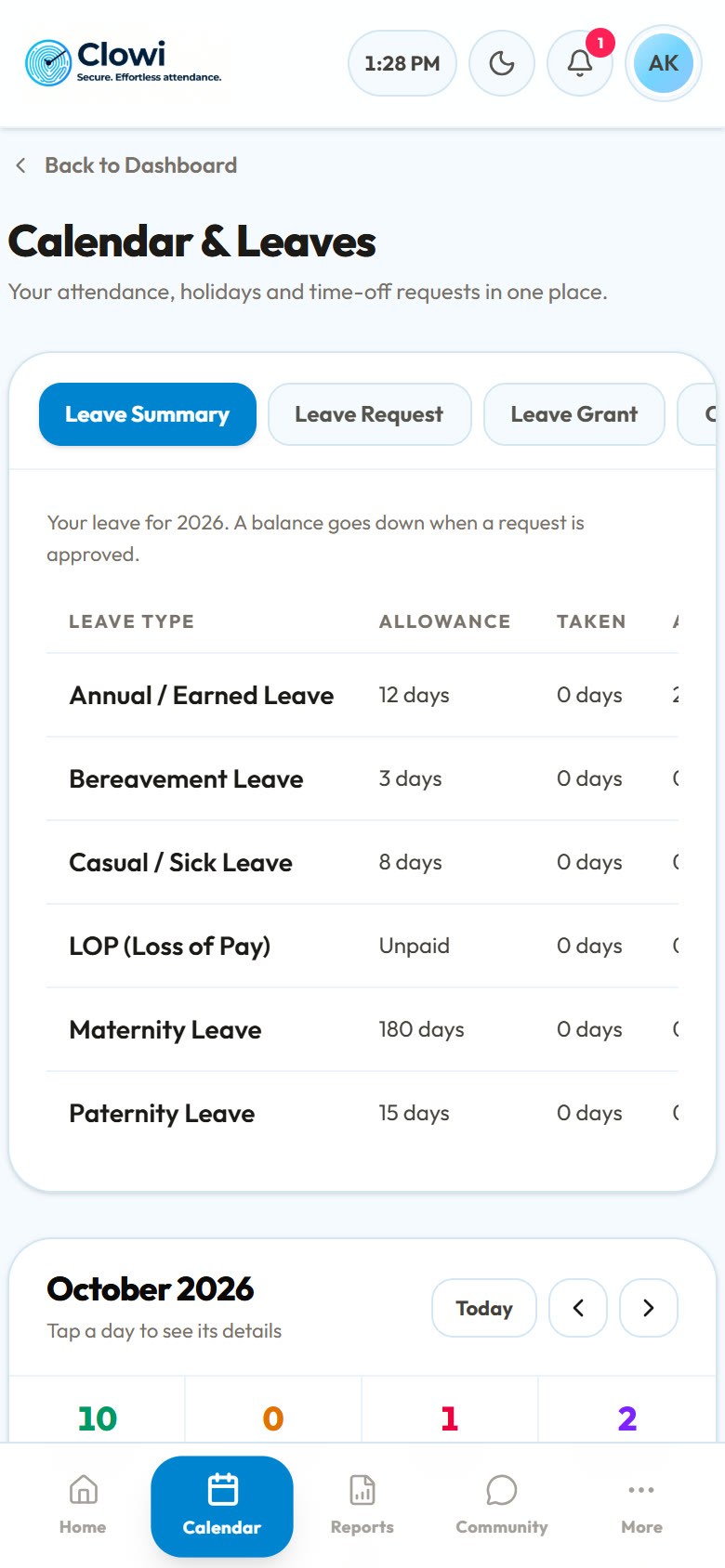
Annual, casual/sick, bereavement, maternity, paternity, LOP and compensatory off, with live balances and the allowances you fix.
Every request goes straight to the right team lead, manager or HR. They're told by email and in the app, and decide in one tap.
Pay follows attendance: paid days × daily rate, plus allowances and deductions. Export the month with every employee's bank details, ready for the bank. Staff download PDF payslips.
Add new joiners with their department, project and reporting line. They get a welcome email, and appear in the colleague directory.
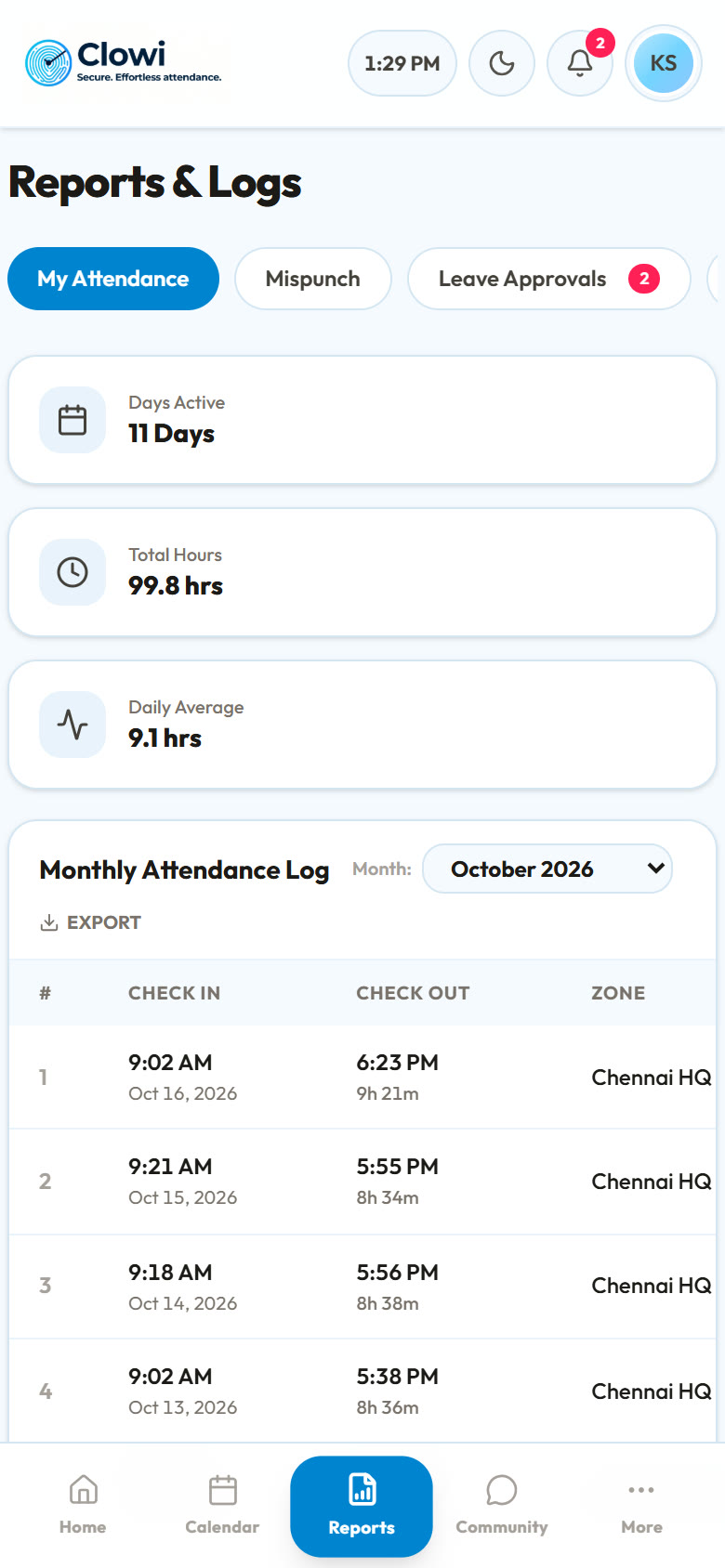
Monthly attendance logs, everyone's report for HR, and exports to Excel, CSV or branded PDF with your company logo.
A company-wide space for announcements and questions, with clickable links, a badge for new messages, and a colleague directory and org chart alongside.
Every Monday, a short report of the week: days present, hours, leave and what's coming up, with a team view for managers.
Staff report a forgotten check-out and get it corrected. Resignations go to HR, who set the notice period and last working day, and can revoke one that's been approved.
Every phone marks attendance for one person. HR sees the device and IP behind each check-in, and resets devices when someone changes phone.
Approvals, decisions, community posts and replies reach everyone's phone the moment they happen.
Employees can't delete their own account. HR removes it once a resignation is approved, and HR accounts are removed only by leadership.
Real screens from the app, filmed with a sample company.
Pick the type of leave, the dates and a reason. Clowi checks the balance first, then sends the request to the right approver.
Leave, work-from-home and missed-punch requests from your team arrive in one place, with a badge until they're decided.
See the whole pay cycle at a glance: total spend, average pay, and each person's paid days. Change a salary in seconds.
Who's in, who's on leave, the next holiday and every request waiting for a decision, on a live company calendar.
Every new joiner appears in My Colleagues the moment HR onboards them. Open a profile to see their role, team and who they report to.
A free demo, set up with your own offices and leave rules. We reply within one working day.